
Guides
Video tutorials to help you get the most out of the platform.
Earn Free Months
Price Submissions
Submit price photos
#1 on Leaderboard
Top monthly spend
Refer a Friend
Earn per referral
Website Guides
9 videos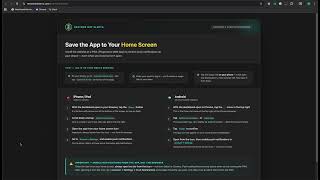
Welcome & Settings — Start Here
Get started with the Restock Bot Alerts website. This video walks you through the site layout, how to configure your settings, set up push notifications, install the PWA on your phone, and save your daily in-store search — everything you need to hit the ground running.To navigate through chapters, open the video on Youtube and expand the description field.
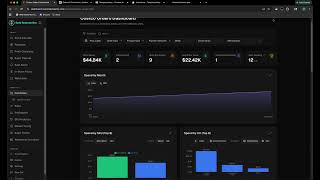
Script Setup Tutorial
Learn how to install the Tampermonkey script that exports your Costco precious metals purchase history directly into your dashboard. Covers installation, setup, and running your first export in just a few minutes. To navigate through chapters, open the video on Youtube and expand the description field.
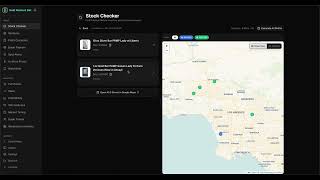
Tools Part 1: Finding & Evaluating Gold
A walkthrough of the four core tools: Stock Checker, Restocks, Profit Calculator, and Buyer Payouts. Learn how to find local warehouse inventory, check online restock history, calculate your potential profit, and compare buyer payout prices in real time. To navigate through chapters, open the video on Youtube and expand the description field.
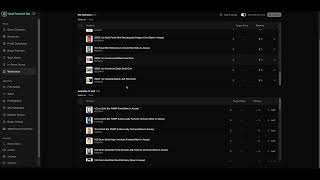
Tools Part 2: Alerts, Prices & Watch Lists
Learn how to set up Spot Alerts for gold and silver price thresholds, contribute and view community-reported in-store prices, and build custom Watch Lists so you only get notified when a restock or payout opportunity actually matches your criteria. To navigate through chapters, open the video on Youtube and expand the description field.
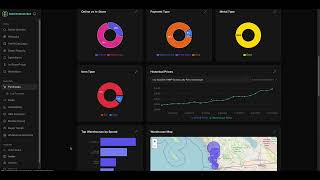
Analytics Part 1: "Your Purchases"
A full walkthrough of the Purchases tab in the analytics section. Learn how to navigate your transaction history, understand your spending by card, SKU, and warehouse, track your executive rebate across memberships, and use the mileage tracker for in-store trips — all powered by the data you export via the script. To navigate through chapters, open the video on Youtube and expand the description field.
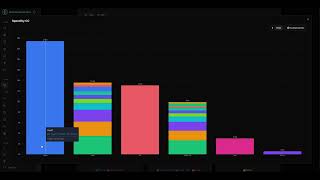
Analytics: CC Setup - Tracking Your Cashback & Rewards
A dedicated deep-dive into customizing your credit cards in the dashboard. Learn how to assign names, banks, reward currencies, and cashback rates to each card, group multiple cards under a shared label, handle Apple Pay digit mismatches, and unlock the Rewards chart to see exactly how many points, miles, and dollars of cashback your Costco precious metals purchases have generated. To navigate through chapters, open the video on Youtube and expand the description field.
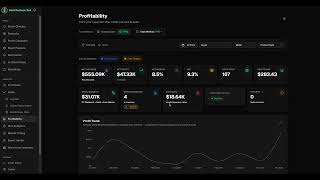
Analytics Part 2: Sales & Profitability
Learn how to upload your sales data from Pure or other buyers, track your revenue and fees, and use the Profitability tab to calculate your true net margin — factoring in COGS, credit card cashback, debit card payments, and your executive rebate. Includes FIFO vs. average cost explained, inventory reconciliation, and a full order breakdown. To navigate through chapters, open the video on Youtube and expand the description field.
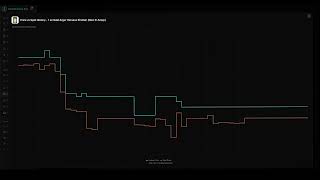
Analytics Part 3: "SKU Analytics, Market Timing & Buyer Trends"
Explore three historical analytics tabs that help you understand the market. SKU Analytics shows restock patterns and pricing trends per product. Market Timing reveals the best days and times to watch for restocks. Buyer Trends lets you compare historical payout prices across all tracked buyers to see who has consistently paid best for the products you care about. To navigate through chapters, open the video on Youtube and expand the description field.
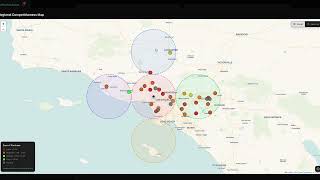
Analytics Part 4: "Warehouse Inventory Analytics"
A deep dive into the most detailed analytics tab in the platform. Learn how to analyze in-store restock patterns and stock duration for your region, use the Direction Analysis to compare neighboring areas and decide where to drive, read the Regional Competitiveness Map, and drill into individual warehouse data — all centered on your location. To navigate through chapters, open the video on Youtube and expand the description field.
Slack Guides
7 videos
Welcome to Gold Restock Bot - Start Here
A fast walkthrough of everything you can do inside the bot. Learn how each tool works together and how to get value from day one.
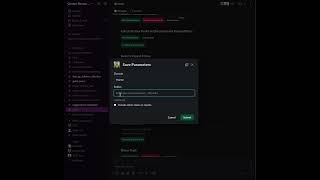
2. Save Your Daily Query
Learn to save the default parameters for your daily in-store notification.
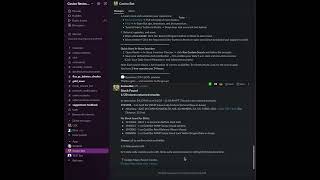
3. Run In Store Searches
Learn to run in-store on-demand searches.
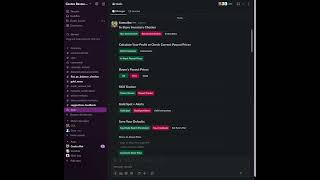
4. Gold Bot - Automating Gold Spot Price Alerts
Learn to set custom alerts to track Gold Spot movements.
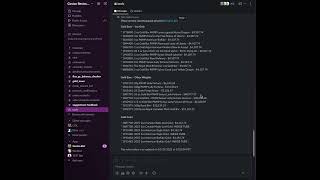
5. Payout Bot - Profit Calculator and Buyers' Prices
Learn to use the Profit Calculator and check the current payout prices per SKU or for multiple buyers.
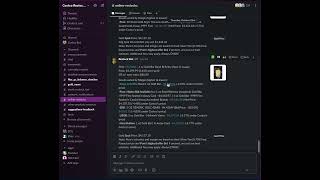
6. Costco Bot - Custom Tracking Lists
Learn to create your online restock custom list. Track only the SKUs you care about and reduce unwanted noise.
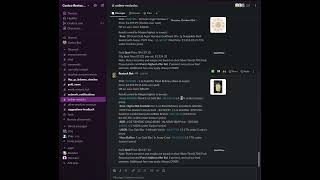
7. Payout Bot - Create Custom Lists
Get notifications when a deal is profitable based on YOUR numbers.